Guides · Lost items · 2 min read
What to do when something is missing
A calm order of steps when your wallet, car or bag is not where you left it, and what the card can and cannot do.
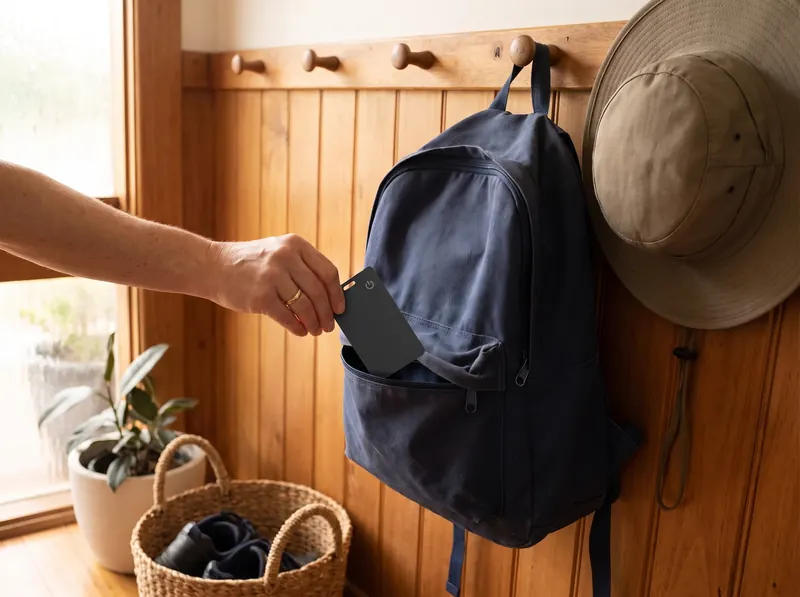
The wallet is not in your pocket. The car is somewhere in a big car park. The suitcase did not come out on the carousel. Here is a simple order of steps for the moment you notice.
1. Open Find My
Open the Find My app on your iPhone and go to Items. Tap the card with the name of the missing thing. You see where it was last seen, and how long ago.
2. If it is close by
If the map shows it at home, at work or in the car park you are standing in, walk towards it and play a sound. The built-in speaker helps you find it under a seat, in a coat pocket or behind a cushion.
3. If it is somewhere else
Look at the place and the time on the map. Often it is simply the café you left an hour ago. Call the place, or the lost property desk at the airport, the station or the shopping centre, and tell them what the item looks like and where Find My last saw it.
4. If it has not updated
The card has no GPS. Its location only updates when an iPhone or other Apple device passes near it. In a quiet place, the last location can be minutes or hours old. Check again later: when someone walks past with an iPhone, it may update.
If you think it was stolen
Report it to the police. Do not try to get it back yourself. Find My can show where the card was last seen, but we cannot promise that it brings anything back.
A few habits that help
- Check now and then that each card still shows in Find My.
- Charge a card when Find My tells you the battery is low, not after something is missing.
- Keep a list of what each card is in. It makes calls to lost property quicker.
- Put the card in the same spot in each thing, so you know where to look once you have the bag in your hands.